Favorites stay close
Keep the classics you replay every week pinned in one place so you never dig through multiple apps.
New to Flipper?
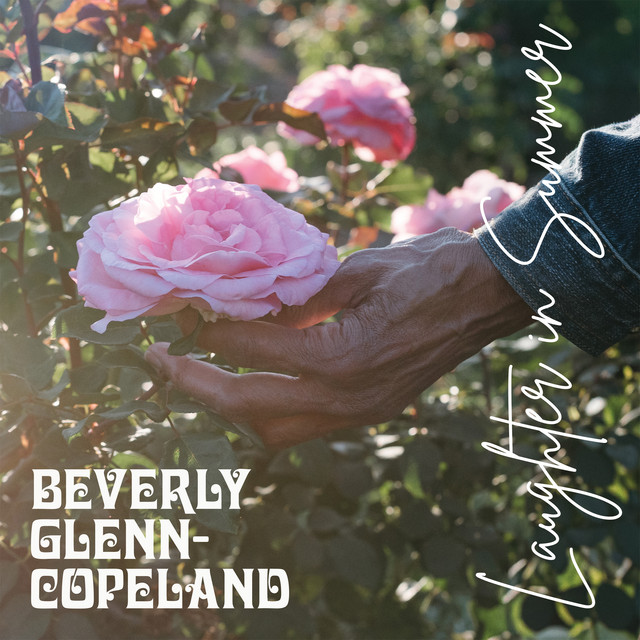
Flipper keeps every album you care about—favorites, curiosities, or records you only know by the cover. Save it once and it’s ready to play on any streaming service.
Keep the classics you replay every week pinned in one place so you never dig through multiple apps.
Log albums you have only heard about, new releases you spotted, or anything a friend recommended.
If the art looks wild or you read a fun blurb, save it anyway—Flipper is for curiosities as much as favorites.
Head to the Stacks hub to organize life’s many listening moments. Albums can live in multiple stacks, so mix and match freely.
Create stacks for Rock, Jazz, Rap, Ambient—anything you are exploring this month.
Albums for driving, focus work, relaxing, party prep. Reuse albums across stacks to match every moment.
Set up stacks like 'Albums I want to check out', 'All-time favorites', or 'Deep cuts only' to guide listening.
A quick tour of the navigation so you know which page to open for any task.
Personalized view of your stacks, recent saves, and what the community is recommending right now.
Create, rename, and reorder every stack you own, or browse the public stacks you follow for inspiration.
One-tap listening that pulls from any stack you own or follow, with service links ready to go.
Each album supports private annotations alongside ratings and reviews—perfect for pressing info or standout tracks.
The same record can sit in “Jazz 101” and “Road Trips” simultaneously. Tag it once and it shows up everywhere.